Most of this post is based on this video
Intro
Resources used:
- Stable Diffusion integrated package: https://www.bilibili.com/read/cv22159609/
- Stable Diffusion model: https://tusi.cn/models/605039709506335625
- LoRA model: https://tusi.cn/models/620507699483853069
How to do it
First, pick a suitable photo — clear subject, clear content, no fine details needed. Here's the photo I picked:
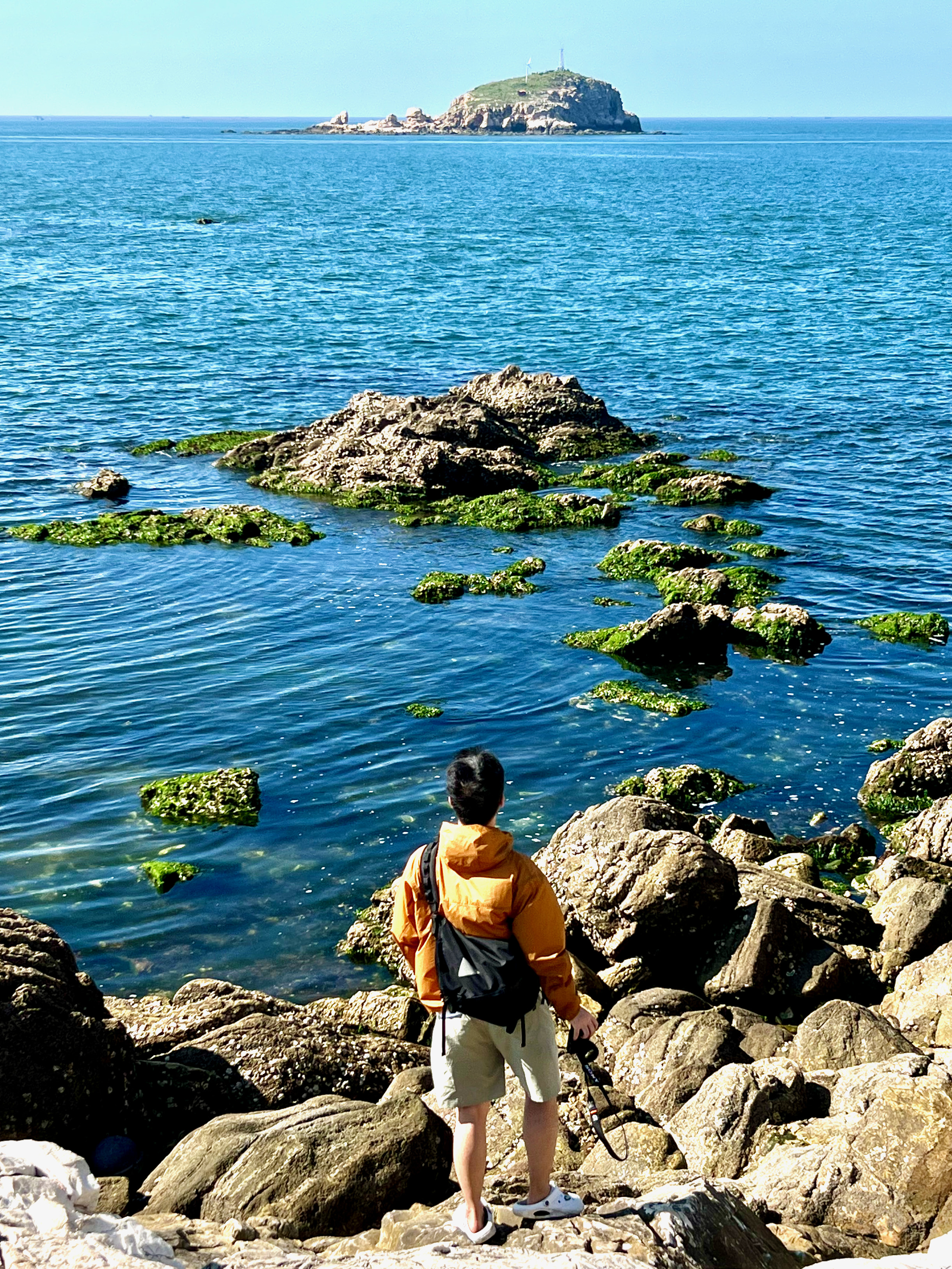
The photo I pickedFollowing the video, paste these prompts into img2img:
PROMPT(white background:1.1),(simple background:1.1),(chibi),thick outline,happy,mugshotImport the photo into
WD 1.4 Taggerand you'll get these tags:CodeBlock Loading...Paste these tags into img2img, removing the ones you don't need.
Upload the image in the img2img tab and change the following parameters:
Parameter Value Sampler DPM++ 3M SDE Steps 30 Denoising strength 0.7 Batch count 4 Click Generate to create 4 images. You can adjust the
denoising strengthbased on the results — a value between0.6-0.7usually works — until you get an image you like.Send the image you like and its generation parameters to the Extras tab, set both
Upscaler 1andUpscaler 2toR-ESRGAN 4x+ Anime6B, setScale byto4, and click Generate.In the end, I got this image:
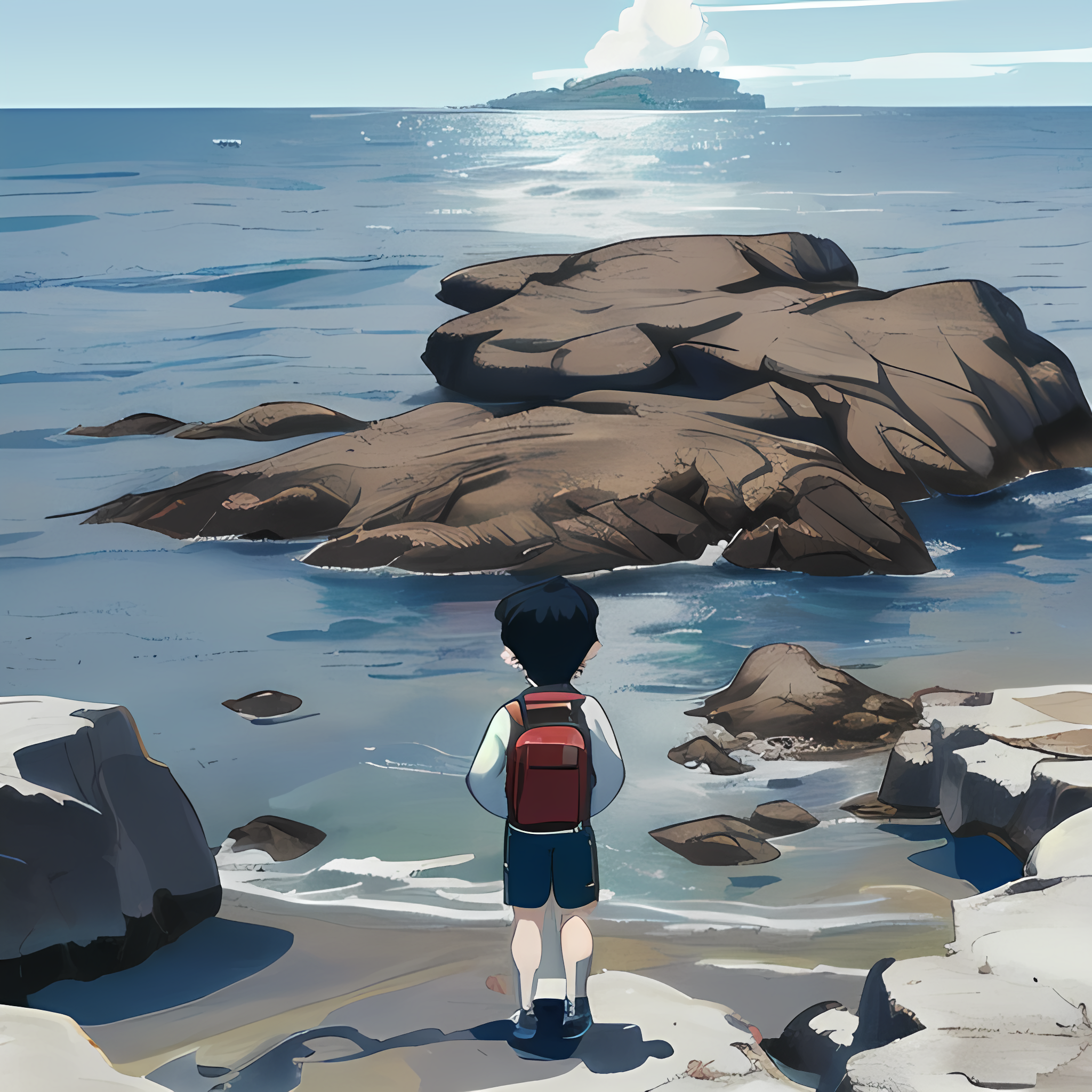
The final generated image
Let's compare:
